> For the complete documentation index, see [llms.txt](https://epsilla-inc.gitbook.io/epsilladb/llms.txt). Markdown versions of documentation pages are available by appending `.md` to page URLs; this page is available as [Markdown](https://epsilla-inc.gitbook.io/epsilladb/epsilla-vector-database/integrations/nomic-ai.md).
# Nomic AI
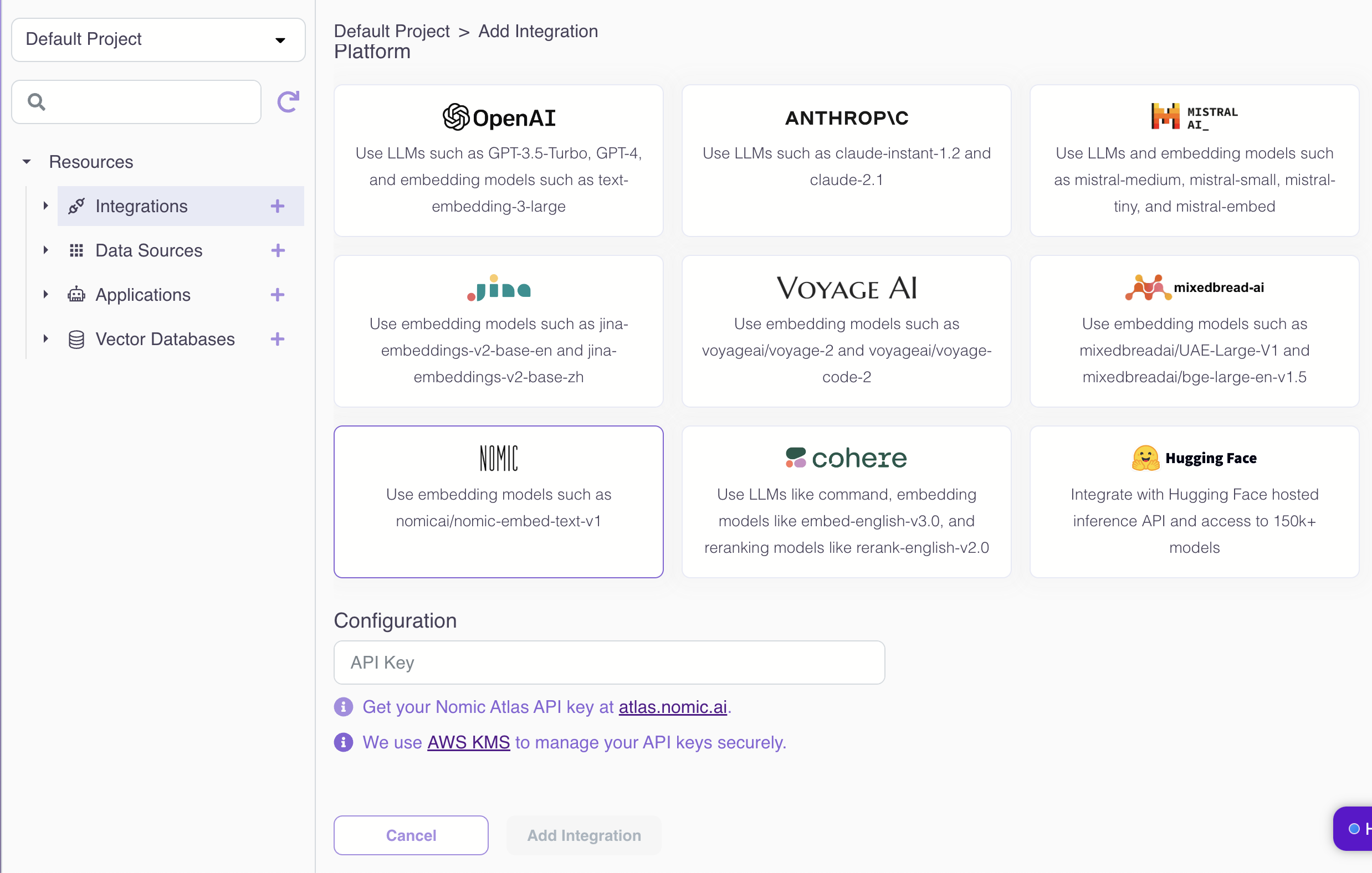
On Epsilla Cloud, you can enable Nomic AI integration by providing your Nomic AI API key (we securely manage your keys using AWS KMS):
## Embeddings
Epsilla integrates with Nomic AI with the following embedding models.
Name
Dimensions
Support Dimension Reduction
nomicai/nomic-embed-text-v1.5
768
Yes
nomicai/nomic-embed-text-v1
768
No
For Epsilla open source vector db, you just need to add a header in the data ingestion and semantic search queries [like this](/epsilladb/epsilla-vector-database/advanced-topics/embeddings.md#nomic-ai-embedding).
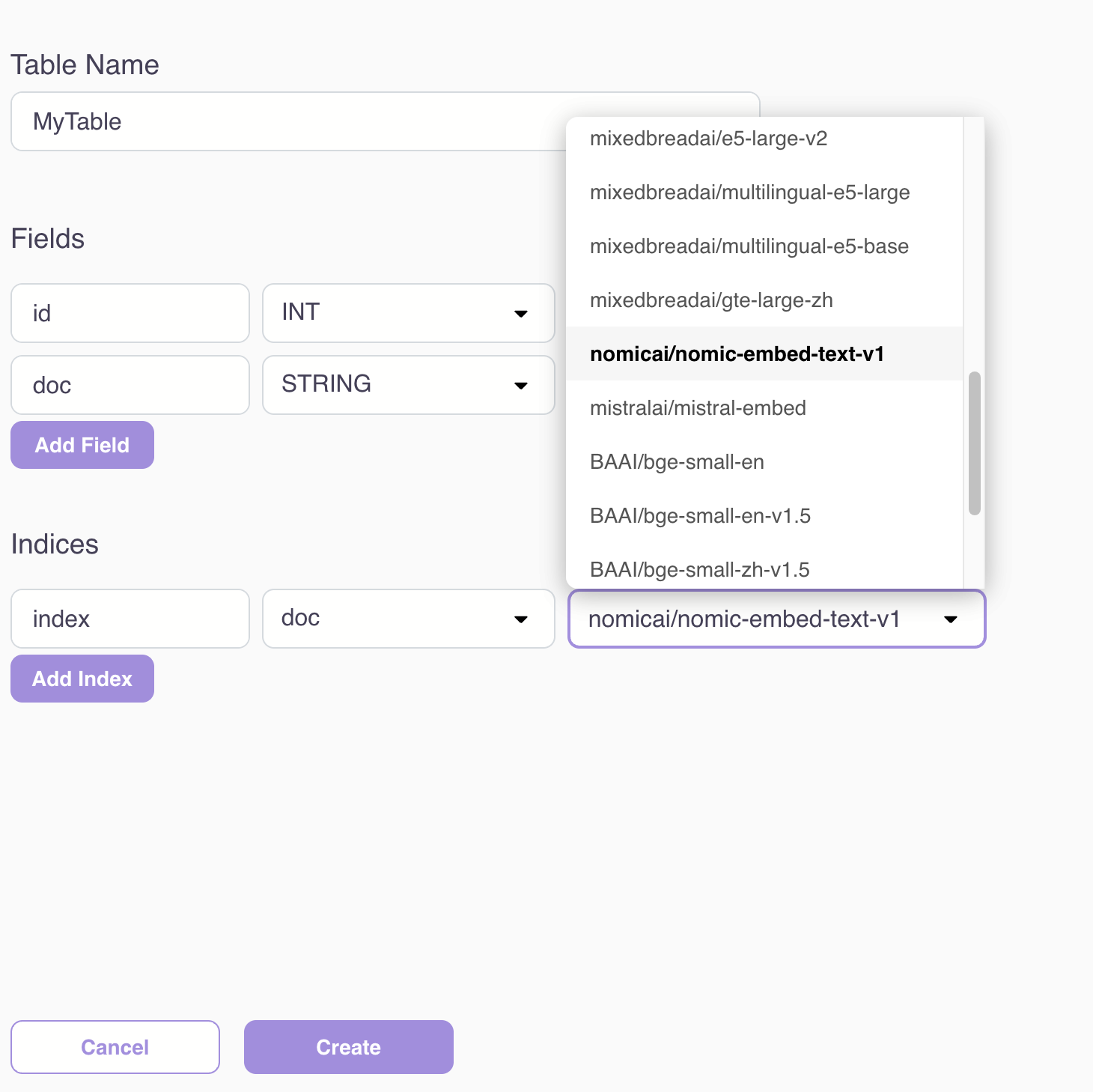
Then you can start using the nomicai embedding model during vector table schema creation:
For models that support dimension reduction, you can optionally provide a dimensions parameter to reduce the embedding response size: